Know your Prysm Score—in 15 seconds.
Prysm iO tracks carotenoid levels in your skin with a simple fingertip scan—so you can understand the impact of your nutrition and build better wellness habits over time.
A clear signal for your nutrition—without the guesswork.
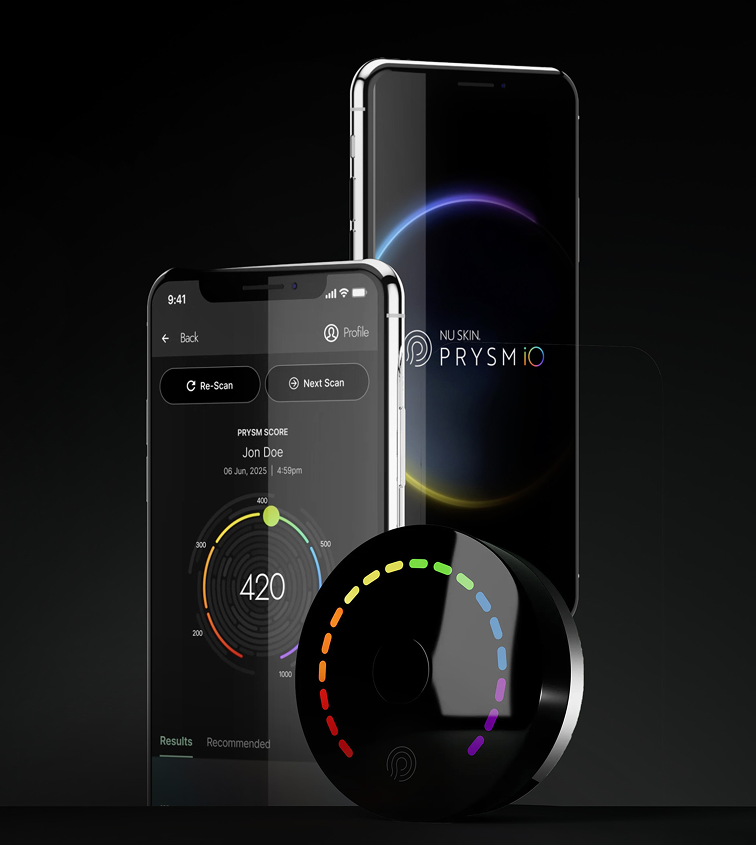
Prysm iO is a personal wellness device that scores carotenoid levels in your skin. Carotenoids are natural pigments found in many fruits, vegetables, and supplements. With each scan, you get a Prysm Score you can track over time.
What you'll use it for
- Track how nutrition shows up in your body over time
- Build consistency—then make changes with confidence
- Turn habits into measurable progress you can see
What it measures
Prysm iO focuses on carotenoids (like beta-carotene, lutein, and lycopene)—compounds commonly found in colorful foods.
Small device. Big clarity.
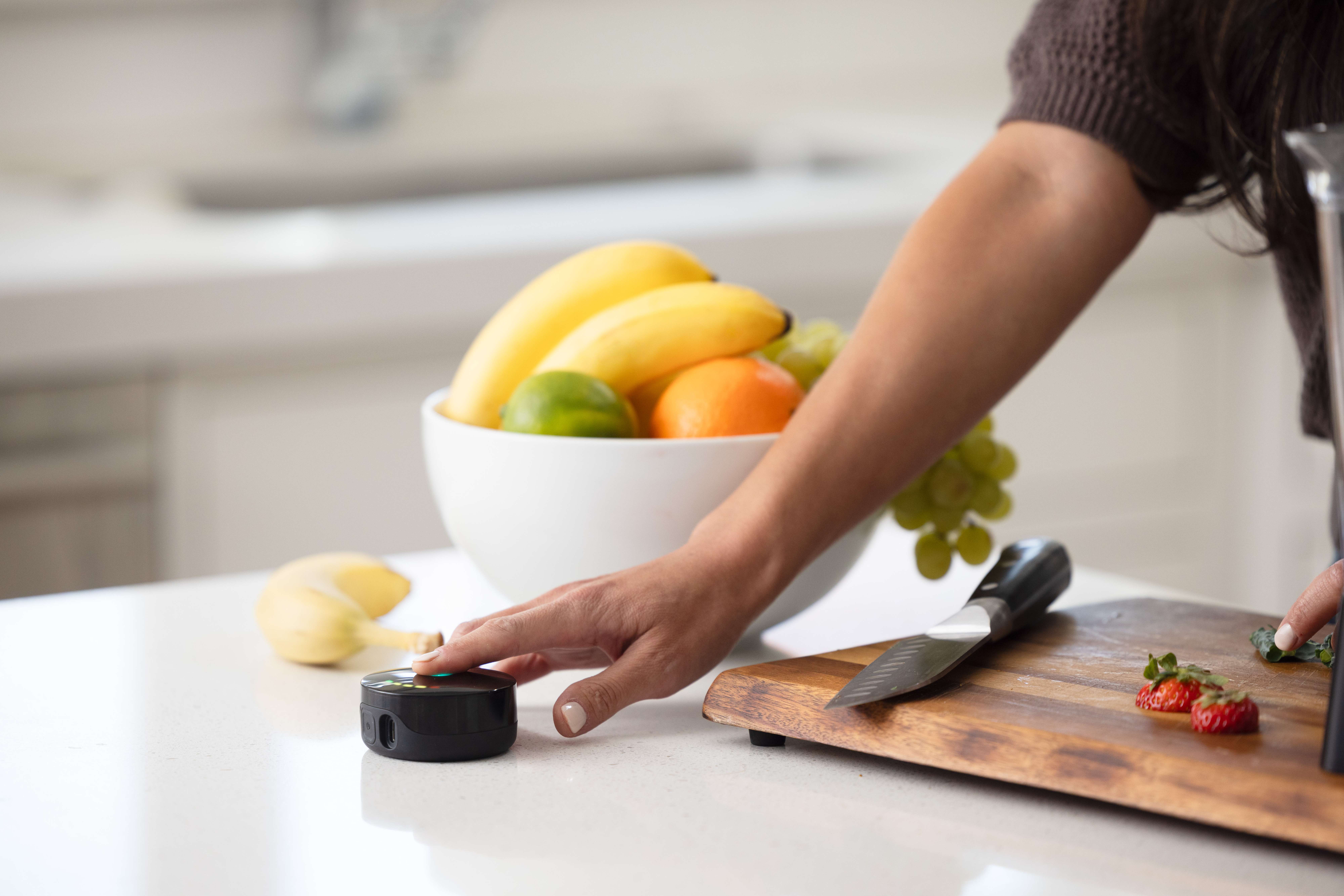
Prysm iO is built to be effortless: scan in seconds, see your result instantly, and track trends over time. The goal is simple—help you stay consistent.
How it works
Three steps. Designed for repeatable, easy scans—so your trends make sense over time.
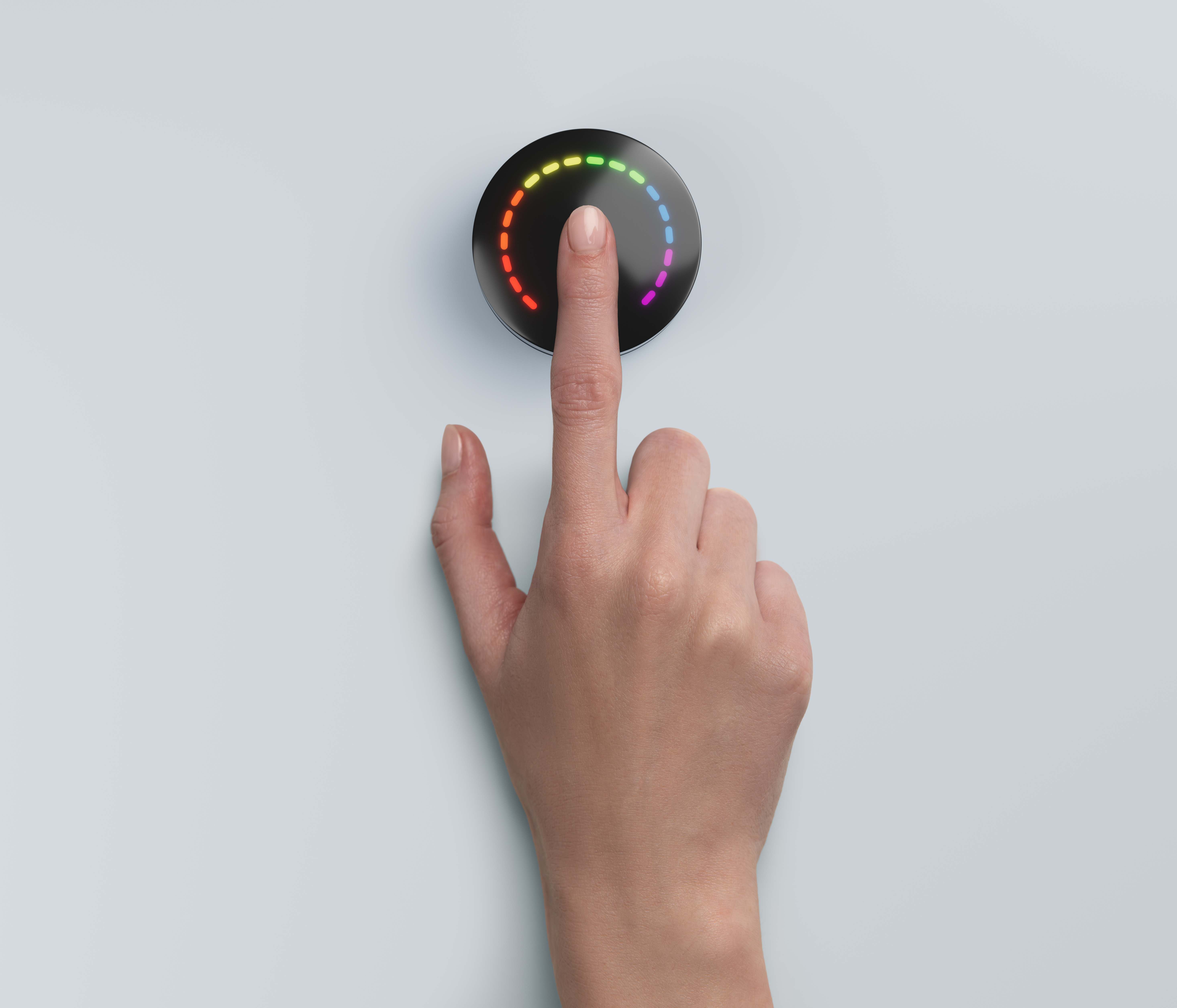
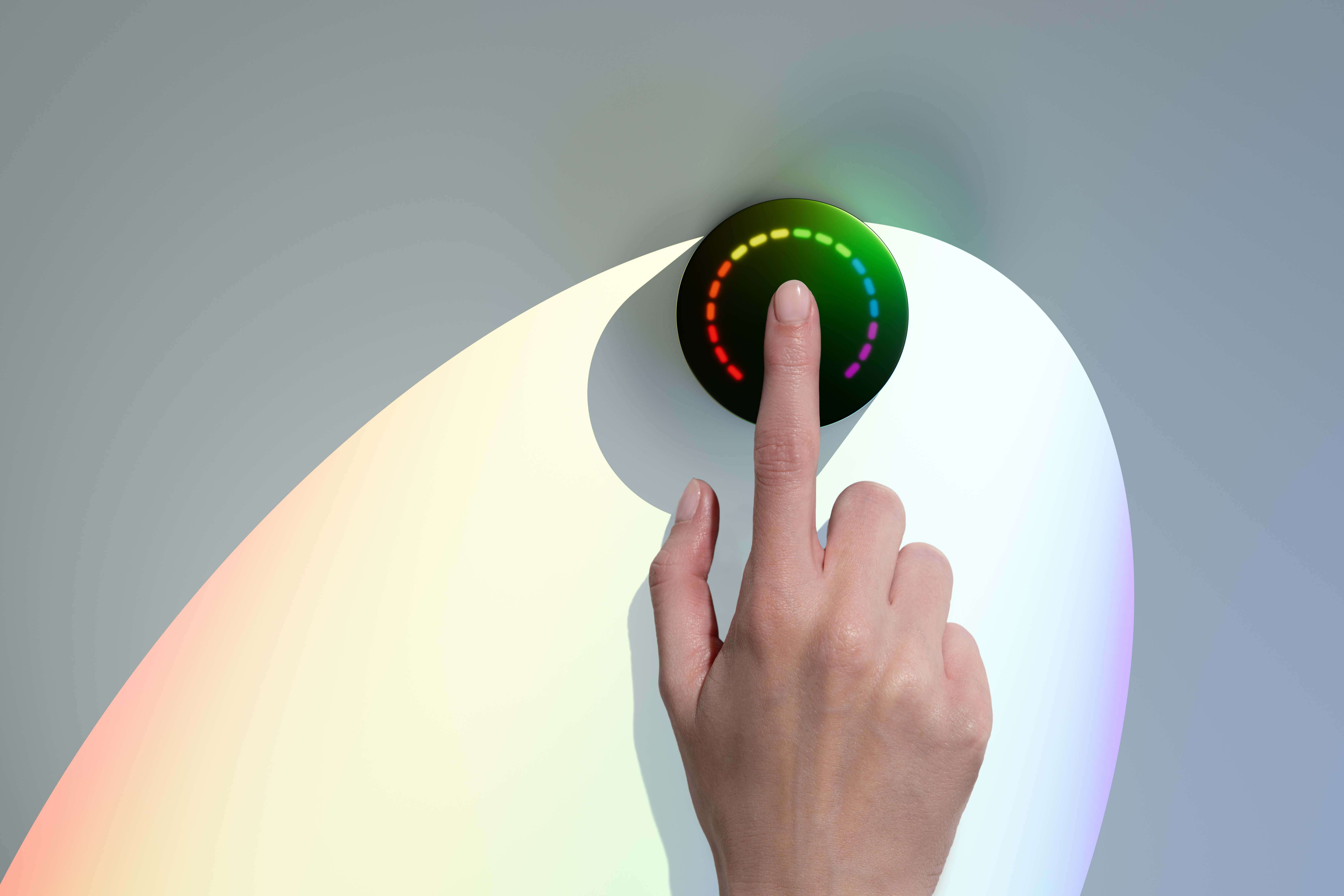
Place your fingertip over the lens and hold still for 15 seconds.
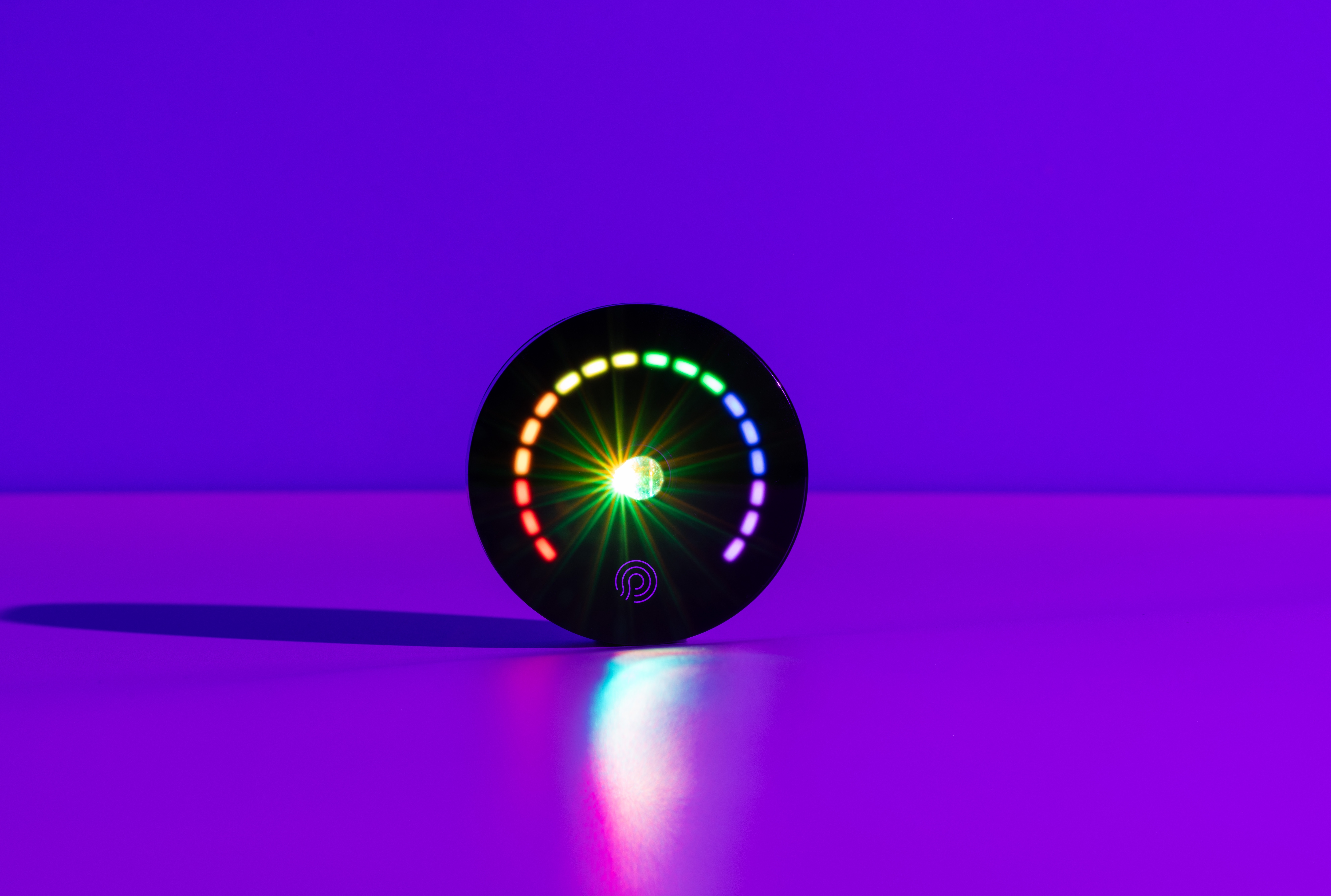
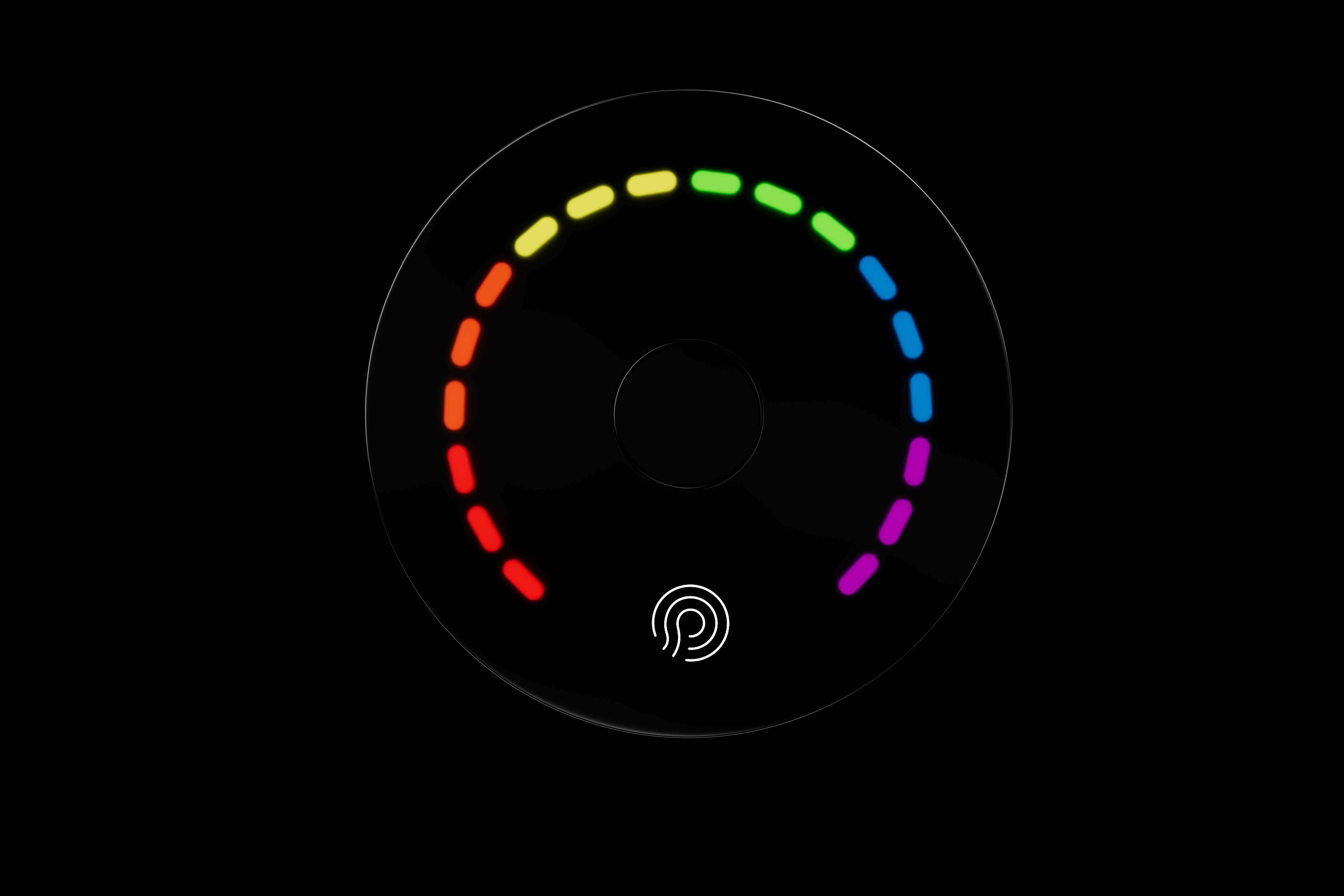
A color result shows on the device (red → purple).
Open the app to view your numeric score and history over time.
Want the science?
Prysm iO uses Spectral Rai Technology, capturing 700,000+ hyperspectral absorption measurements per scan and applying an AI-driven algorithm that references Raman technology to produce your Prysm Score.
Try the Prysm Score (interactive demo)
Click the scan button below to get a random score and see personalized recommendations.
Click the scan button to get a random score
Personalized Recommendations
Suggested Products
Lifestyle Tips
- Maintain current diet
- Add more leafy greens
- Stay consistent with supplements
Some natural variation is expected. Larger fluctuations are often caused by scanning inconsistency (finger placement/pressure), movement, a dirty lens/finger, or needing recalibration.
The Prysm iO App
Set up your device, calibrate, view your score history, and get guidance for consistent scanning and troubleshooting.
Setup & Calibration
Get started fast and keep performance consistent.
History & Trends
Track your score over time to see progress clearly.
Guidance
Tips for consistent scans and quick troubleshooting.
Availability and app requirements may vary by market.

How to scan (the easy way)
Consistency is everything. Use the same finger, gentle pressure, and a steady surface.
Before your first scan
- Download the Prysm iO app
- Connect your device and follow in-app setup
- Calibrate using the included calibration disc
During the scan
- Place your fingertip flat and centered
- Use gentle, even pressure (don't squeeze)
- Hold still for 15 seconds
Best practices for consistent results
These five habits improve repeatability and help your trends stay meaningful.
Seeing unusual fluctuations?
Recalibrate, clean the lens and fingertip, and repeat using consistent finger placement and gentle, even pressure.
What's in the box
Everything you need to start scanning.
Included
- Prysm iO device
- Stand
- Travel case
- Calibration disc
- Microfiber cleaning cloth
- USB-C charging cable
- Quick start guide
Make it a habit
Pick a consistent time and place to scan. Clean lens, same finger, steady surface—then trust the trend.
FAQs
Quick answers to the most common questions.
Why is my Prysm Score fluctuating?
Some natural variation is expected—even under controlled conditions. Larger changes are usually caused by inconsistent finger placement/pressure, movement, a dirty lens/finger, or needing recalibration.
How often should I calibrate?
For best performance, recalibrate about every two weeks (the app may notify you).
Will my scan history be saved?
When connected, the app can sync scans to a secure cloud system. Your device can also store scans done offline—sync periodically to upload and save them.
I can't connect my device—what should I do?
Confirm the device is charged and Bluetooth is enabled on your phone and for the app. If needed, you can factory reset by plugging in the charger and holding the power button for 10 seconds until LEDs flash three times.
Support & important notice
Use Prysm iO only as instructed. Avoid looking directly into the lens during a scan. Scan fingertip only. Do not open the device or attempt battery replacement.
Need help?
Replace these links with your official support URLs.
Important Notice
Prysm iO uses radio signals and contains magnets; these may interfere with other electronic equipment or some medical devices. Consult your physician/medical device manufacturer regarding safe separation distances.
Start tracking your Prysm Score today.
Get Prysm iO and build a consistent scan routine to understand your nutrition progress over time.